Custom Transfer Stickers

(37)

Create full-color custom transfer stickers for clean, smooth, hard surfaces. The temporary carrier film keeps the artwork aligned during application, then peels away so the design remains without a large surrounding background.

These vinyl transfer stickers are also known as custom transfer decals and work especially well as logo transfer stickers on compatible glass, finished metal, acrylic, and sealed rigid plastic.

Choose a 2-, 3-, 4-, or 5-inch longest-side format, upload one high-quality artwork file, and review the digital proof before production.

Size
Finish
Your price
stickers
each
Size
Finish
Quantity
Required
Upload Your Artwork PNG, JPG, PDF, SVG + more · Max 20 MB

Your artwork is reviewed and a digital proof is sent before production begins.

Vector artwork is preferred. High-resolution PNG or JPG files can also work. Review small text, fine lines, spacing, and the intended application surface before approving the proof.

Full-color transfer stickers

Custom Transfer Stickers fora Printed-On Finish

Pressure-applied artwork for glass, finished metal, acrylic, and sealed rigid plastic. The temporary carrier keeps every element aligned, then peels away so the design remains without a large surrounding background.

2″–5″Longest-side sizes
50–1,000Quantity options
1Approved design
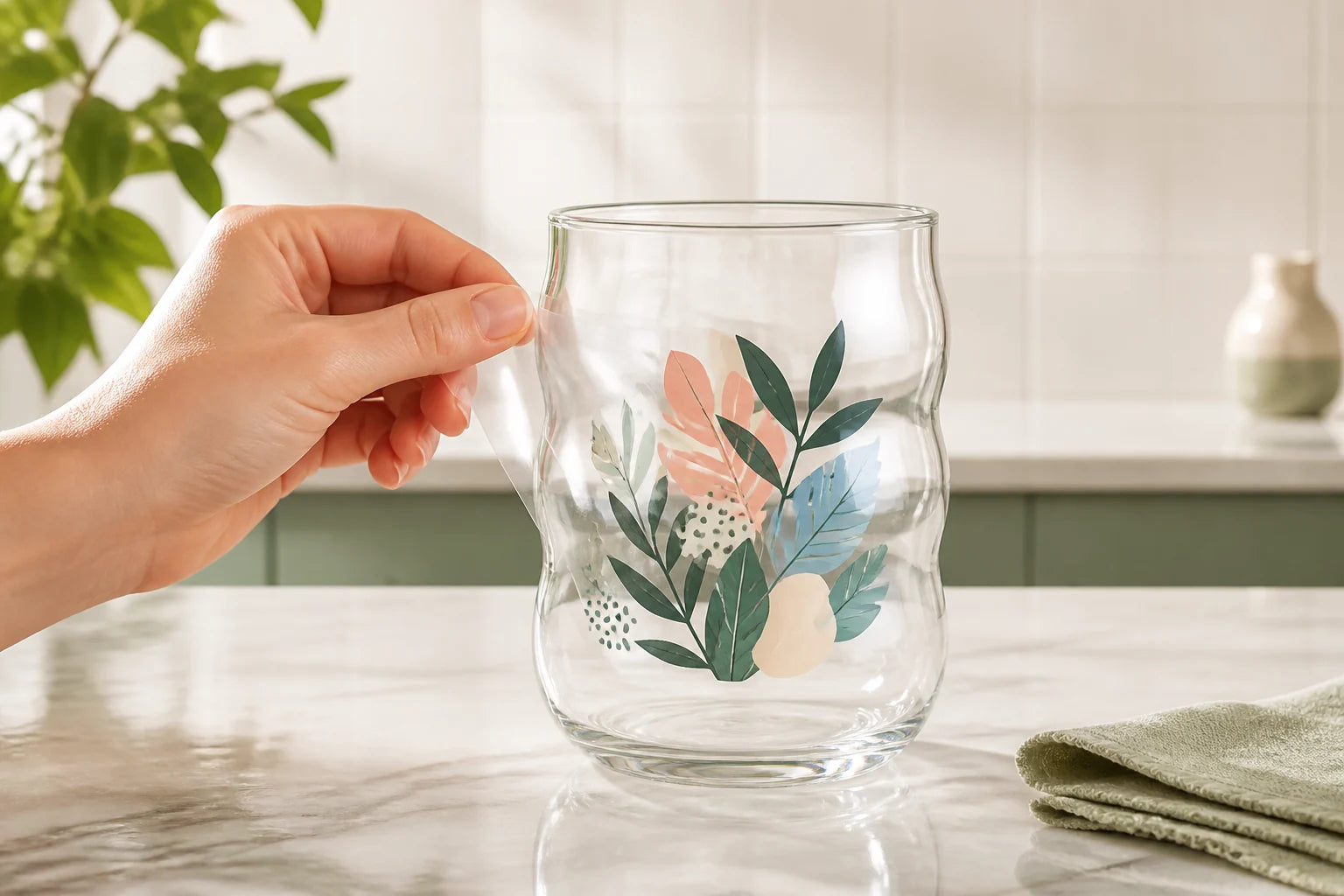
Transparent carrier film being peeled from full-color transfer artwork on a glass tumbler
Digital Proof Included
Free Shipping
Secure Checkout
No Heat Press Needed

One product, four decisions

Plan the Transfer from Artwork to Surface

Choose the artwork, application method, surface, and finished size together. The digital proof confirms the final scale and prepares the design for a clean transfer.

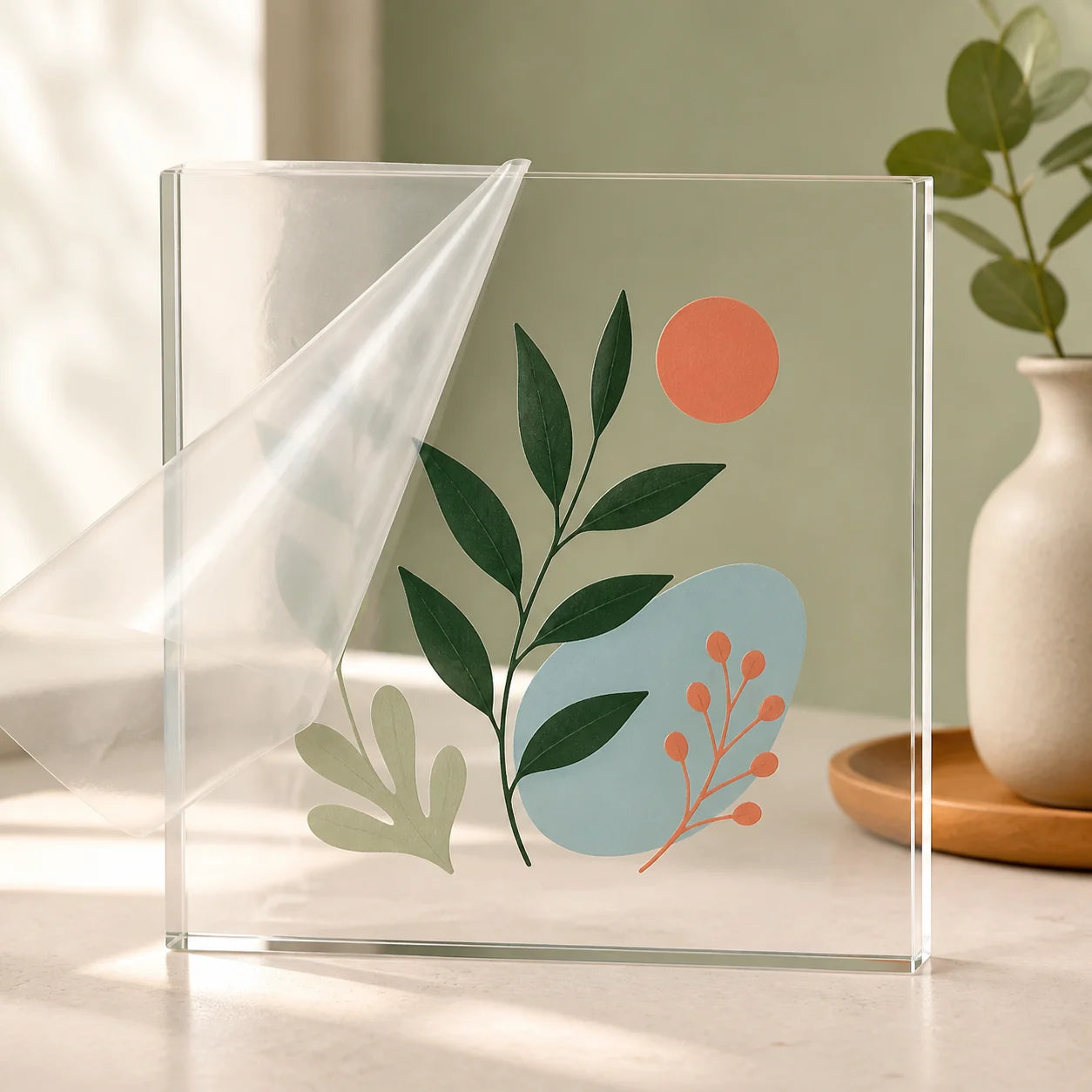
Carrier film peeling away from aligned botanical transfer artwork on an acrylic display

Aligned Artwork

The carrier film holds separate letters and design elements in position during application.

Clean placement
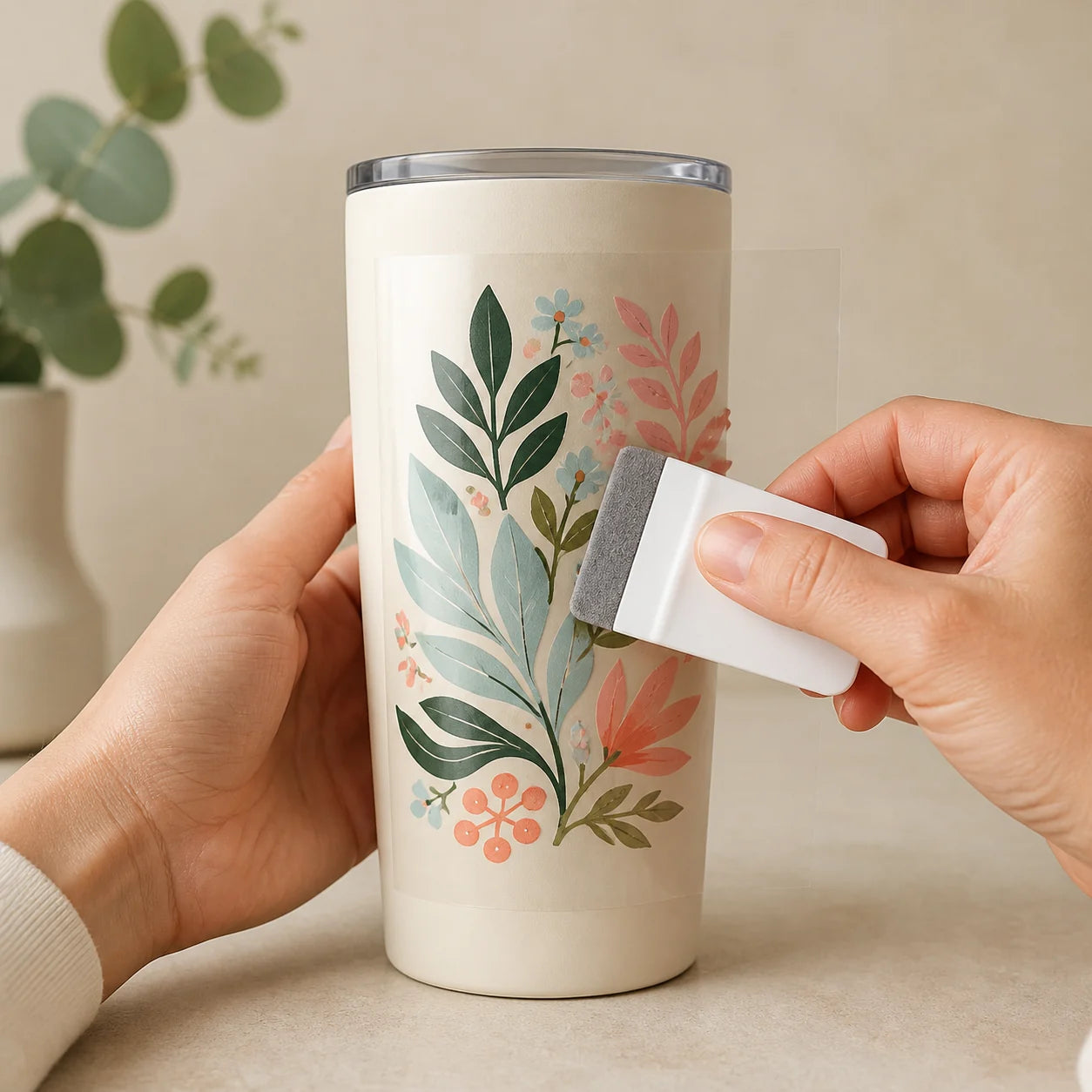
Transfer artwork being burnished onto a smooth metal tumbler

Pressure Application

Clean, place, burnish, and peel slowly. No heat-transfer equipment is required.

No heat press
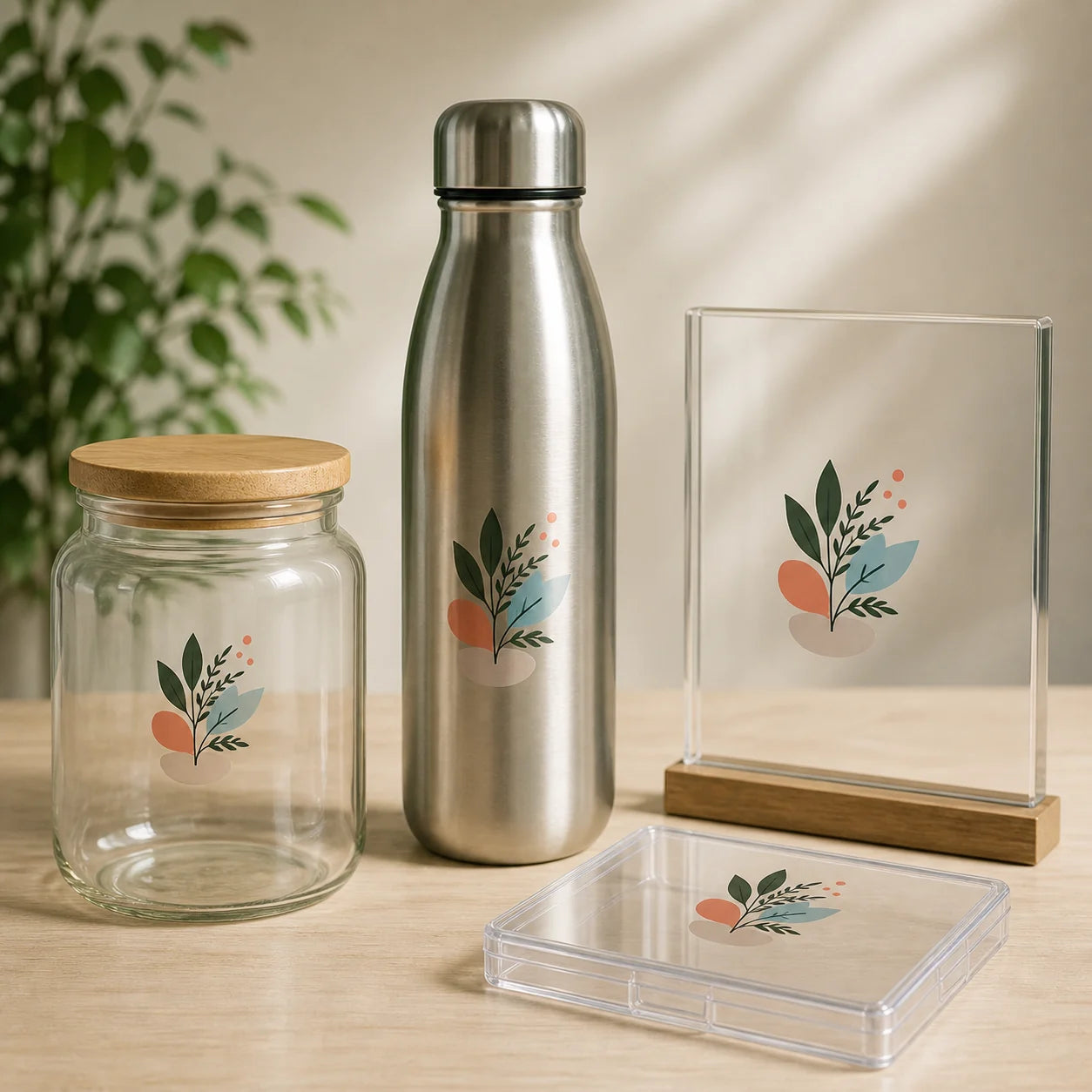
Matching transfer artwork on glass, metal, acrylic, and sealed rigid plastic

Smooth Hard Surfaces

Best suited to clean glass, finished metal, acrylic, and compatible rigid plastic.

Surface-led choice
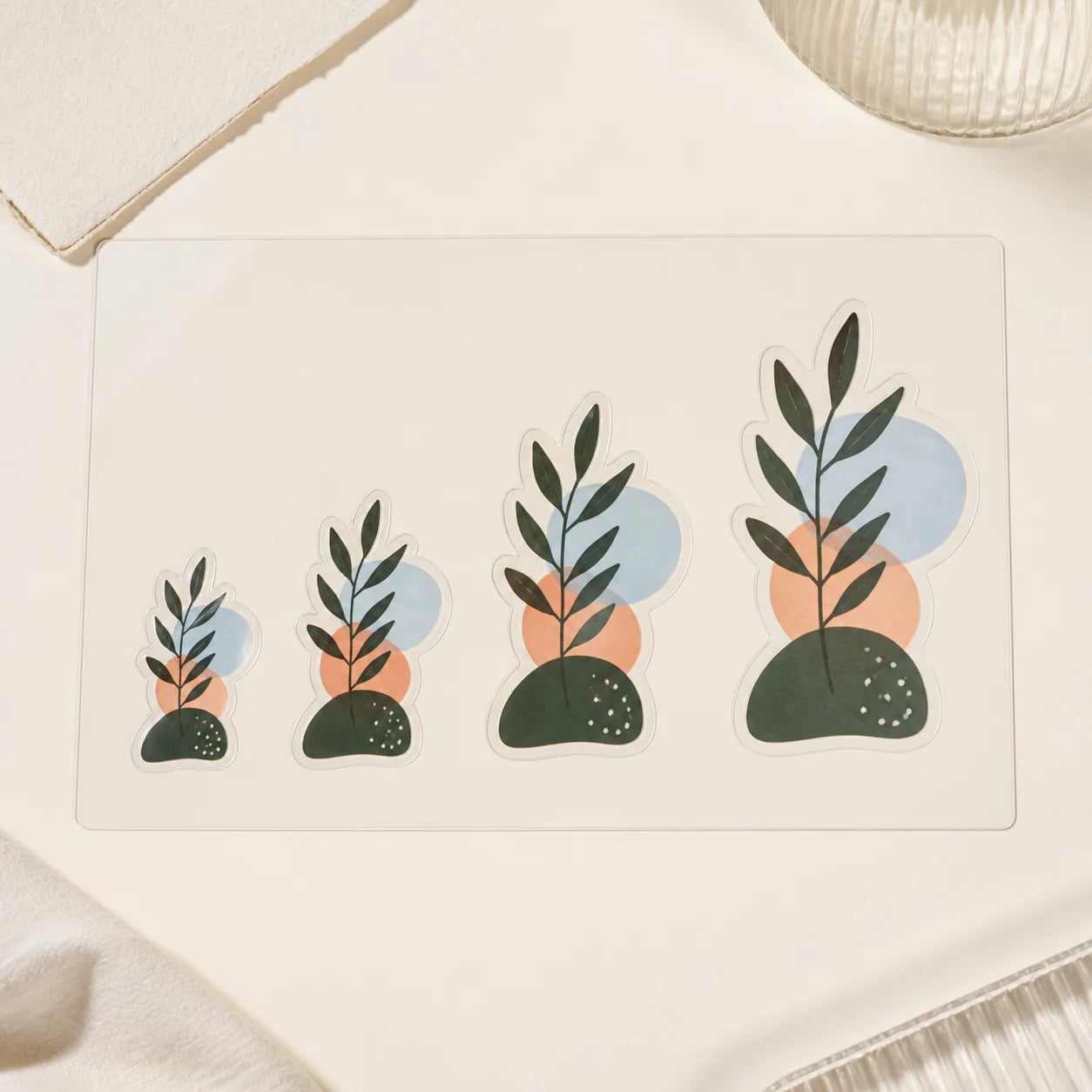
Four matching transfer artwork examples increasing from compact to large

Flexible Sizing

Choose a 2-, 3-, 4-, or 5-inch longest side to fit the usable application area.

2–5-inch formats
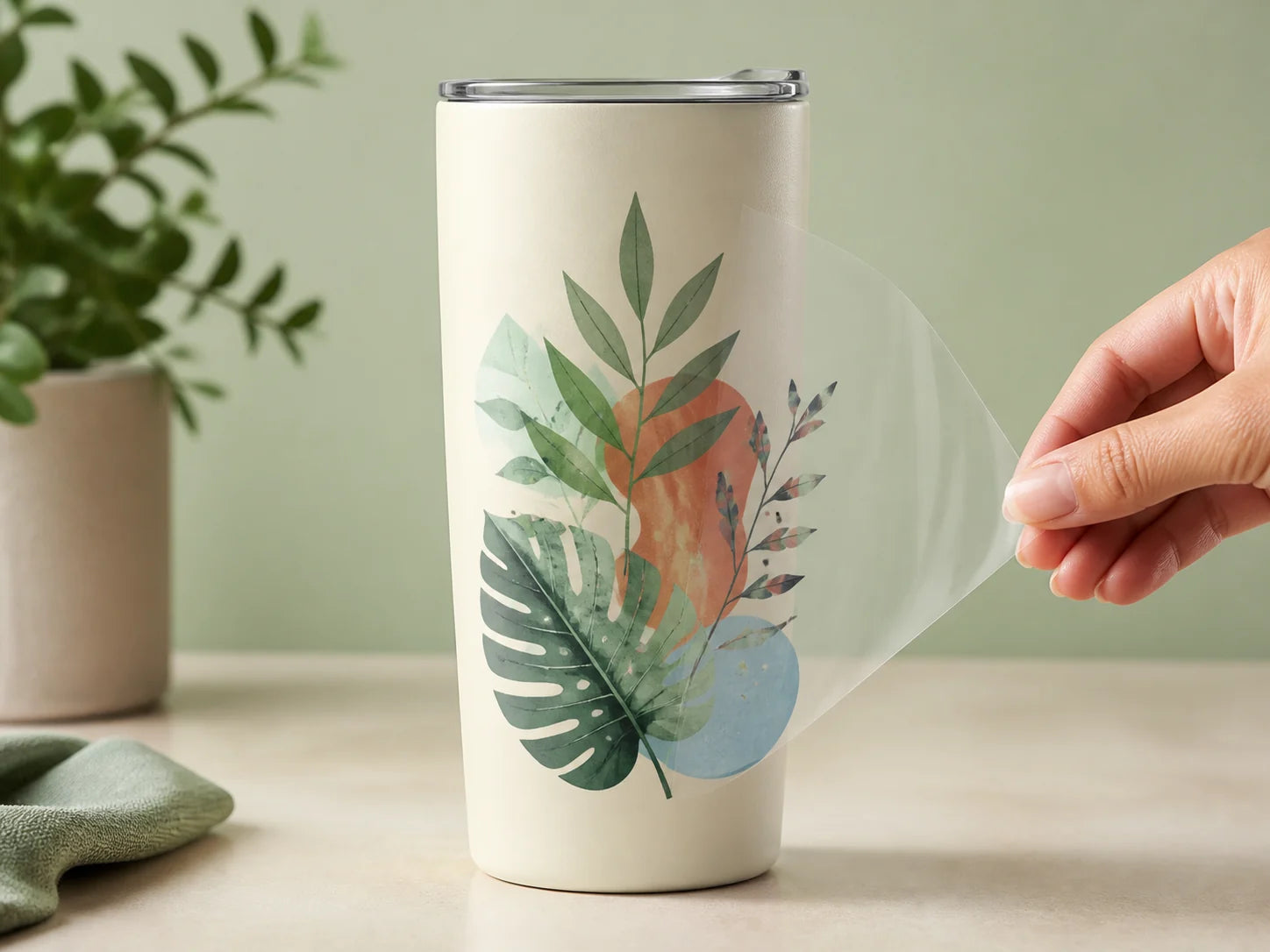
Carrier film peeling from full-color transfer artwork bonded to a smooth metal tumbler

What remains after application

The carrier leaves. The complete design stays.

Transfer film is an application tool, not part of the finished look. Once the artwork has bonded to the compatible surface, peel the carrier away at a low angle.

Full-color artworkUse logos, lettering, illustrations, and mixed-color graphics prepared for the selected size.
No large clear panelThe finished surface shows the intended artwork instead of one broad transparent sticker area.
Proof before productionConfirm scale, spacing, small details, and the transfer treatment before the full run begins.

What You Can Upload

Bring the Artwork—We’ll Help Prepare the Transfer

Vector PDF, SVG, EPS, or AI artwork is preferred. A high-resolution PNG or JPG can also work when the design is sharp and readable at its final size.
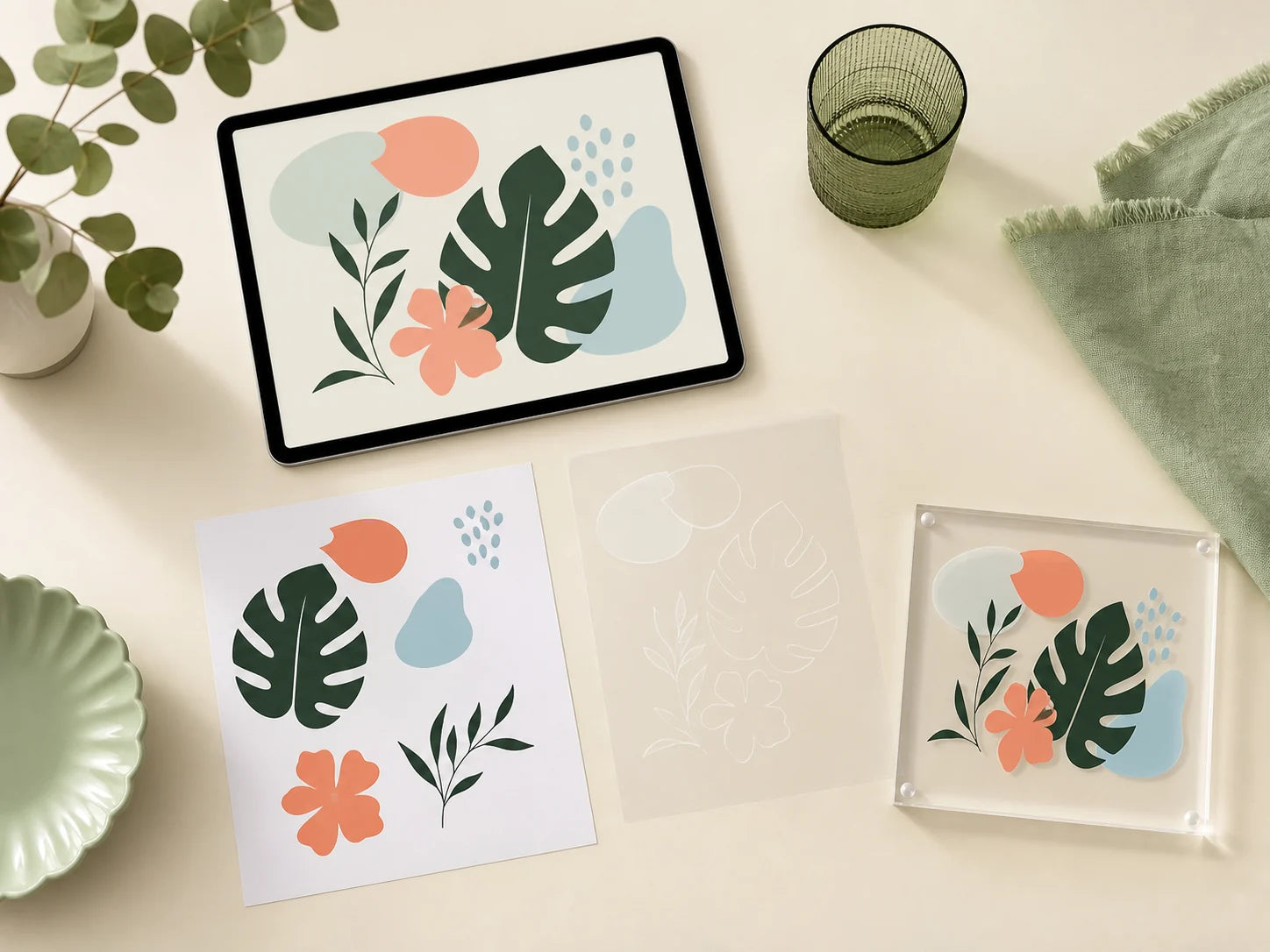
Transfer artwork preparation shown across a tablet, proof sheet, carrier sample, and acrylic test tile
Concept workflow visualization. The proof confirms the actual artwork, scale, spacing, and transfer preparation.

Prepare one design

Use the cleanest source file available and avoid screenshots or small web images.

Choose size and quantity

Select the longest-side size, finish, and the quantity required for the project.

Review fine details

Check small text, thin lines, narrow gaps, separate elements, and the intended surface.

Approve the proof

Production begins after the complete transfer layout and final scale are approved.

Include the intended application surface and any critical spacing or alignment notes with the artwork.

Upload your image

Why Inkelligent

Transfer Stickers, Clearly Managed

From fine-detail review to the finished application layout, the order follows a clear proof-first workflow.

Helpful Artwork Support

We review file quality, small details, spacing, scale, and surface notes before production.

Proofed Before Production

Review the complete design, longest-side size, element alignment, and transfer layout first.

Made, Checked & Packed with Care

Approved orders move through printing, transfer preparation, quality review, and packing.

You may also like

Compare other custom sticker formats

Choose clear vinyl for a transparent panel, standard vinyl for individually cut stickers, or holographic vinyl for a reflective finish.

Shop all products

Questions, answered

Before you upload the artwork

What is a transfer sticker?

It is artwork supplied with a temporary carrier film that keeps separate elements aligned during application. After the artwork is pressed onto a compatible surface, the carrier is peeled away.

Which sizes and quantities are available?

Choose a 2-, 3-, 4-, or 5-inch longest-side format in quantities of 50, 100, 200, 500, or 1,000. Gloss and matte finish options are available.

Do I need a heat press?

No. These transfer stickers use pressure application. Clean and dry the surface, position the design, burnish firmly, and peel the carrier slowly.

Which surfaces work best?

Use clean, dry, smooth, hard surfaces such as glass, finished metal, acrylic, and compatible sealed rigid plastic. Avoid fabric, silicone, rough walls, porous surfaces, and soft-touch coatings.

How is the selected size measured?

The selected measurement applies to the artwork’s longest side. The other dimension scales proportionally according to the approved design.

What artwork files should I upload?

Vector PDF, SVG, EPS, or AI files are preferred. High-resolution PNG or JPG artwork can also work. Use the cleanest original file available.

Can very small text and fine lines be transferred?

They need review at the final size. Very thin elements, tiny gaps, and small separate pieces may require adjustment to transfer cleanly and remain readable.

Will I see a proof before production?

Yes. Review spelling, scale, spacing, fine details, and the complete transfer layout before approving production.

Ready when your artwork is

Build your custom transfer sticker order

Choose the size, finish, and quantity; upload one design; then review the proof before production.

Upload your image
  • 5 stars: 27 (73%)
  • 4 stars: 9 (24%)
  • 3 stars: 1 (3%)
  • 2 stars: 0 (0%)
  • 1 star: 0 (0%)
L
Leah Gomez
Thin lines may lift

One very thin line started lifting, so I pressed it down again before peeling the film.

P
Paula Simmons
Brands jars without hiding contents

These were useful for branding glass jars without covering the contents.

D
Dylan Watson
Large designs need patience

Large designs require more patience than small ones.

F
Finn Cook
Explain burnishing more clearly

The instructions should emphasize burnishing every letter before removing the carrier.

E
Elina Freeman
Texture reduces adhesion

I tried one on a textured container and it did not adhere as well as it did on glass.

D
Diego West
Adheres to smooth acrylic

The design adhered well to a clean, smooth acrylic surface.

R
Renata Perry
Only the artwork remains

I like that the carrier film peels away and only the artwork remains.

C
Camille Wallace
Transparent carrier helps positioning

The carrier was transparent enough to help me position the design accurately.

E
Elina Nelson
Cleaner than a rectangle

The finished result looks cleaner than a standard rectangular sticker.

Z
Zoe Ross
Proof shows size and cut

The proof clearly showed the final dimensions and cut layout.

E
Enzo Parker
Works on acrylic displays

These worked well for adding our logo to acrylic display stands.

L
Lena Lewis
Bright gloss colors

The gloss finish made our logo colors look bright and clean.

L
Luca Flores
Thicken tiny lettering

I would make tiny lettering slightly thicker on my next order.

E
Enzo Ward
Approval before production

I appreciated being able to approve the layout before the complete order was produced.

A
Aiden Perez
Low-angle peel helps

It helped to peel the carrier back at a very low angle.

B
Bruno Henderson
Squeegee improves application

A plastic squeegee made the application much easier.

I
Ingrid Rogers
Print can appear darker

The colors were slightly darker than they appeared on my monitor, but still looked good.

V
Victor Ramirez
Preparation determines results

The application result depends heavily on preparing the surface correctly.

O
Owen Harrison
Clean small-letter transfer

The small lettering transferred cleanly without leaving a large clear border.

K
Klara Gibson
Fine details transfer cleanly

Fine details transferred better than I expected.

A
Astrid Bennett
Painted-on storefront look

I used these on a glass storefront and the finished design looks painted on.

L
Laura Reed
Matte reduces reflections

The matte option worked better for our indoor display because it reduced reflections.

L
Lena Parker
Alignment rewards patience

The transfer took a little patience, but the alignment was much better than applying letters individually.

M
Martin Campbell
Sharp indoor signage

The logo looked sharp on our indoor directional signs.

D
Daniela Marshall
Keeps separate elements aligned

The transfer film kept every part of my logo aligned, even with several separate letters.

A
Aria Long
No large clear panel

These are a good option when you do not want a large transparent sticker panel.

V
Victor Stewart
Include an application tool

I would recommend including a small application tool with larger orders.

B
Brooke Allen
Professional on metal cases

I used them on finished metal equipment cases and the result looks professional.

P
Pablo Young
Clean studio window branding

Our studio name looks very clean on the front window.

P
Paula Reynolds
Works on smooth storage bins

These worked well on smooth, sealed plastic storage bins.

S
Samuel Sanders
Spacing stays consistent

The separate elements stayed evenly spaced during installation.

G
Greta Young
Colors match uploaded artwork

The colors came out close to the artwork I uploaded.

A
Anna Coleman
Proof caught spacing issue

The digital proof helped me catch a spacing issue before production.

T
Thomas Martinez
Icon and name stay aligned

The transfer film made it easy to keep our icon and company name aligned.

A
Andres Brooks
Cleaning improves application

Application was easier after I cleaned the surface with alcohol and let it dry completely.